Edit, animate and grade in one window
AIOU Editor is a video editor for Windows. Cut on a multi-track timeline, build titles and particle effects with keyframes, track motion, then grade and export, without sending your project to a second program.
Every feature is in the trial. No card needed.
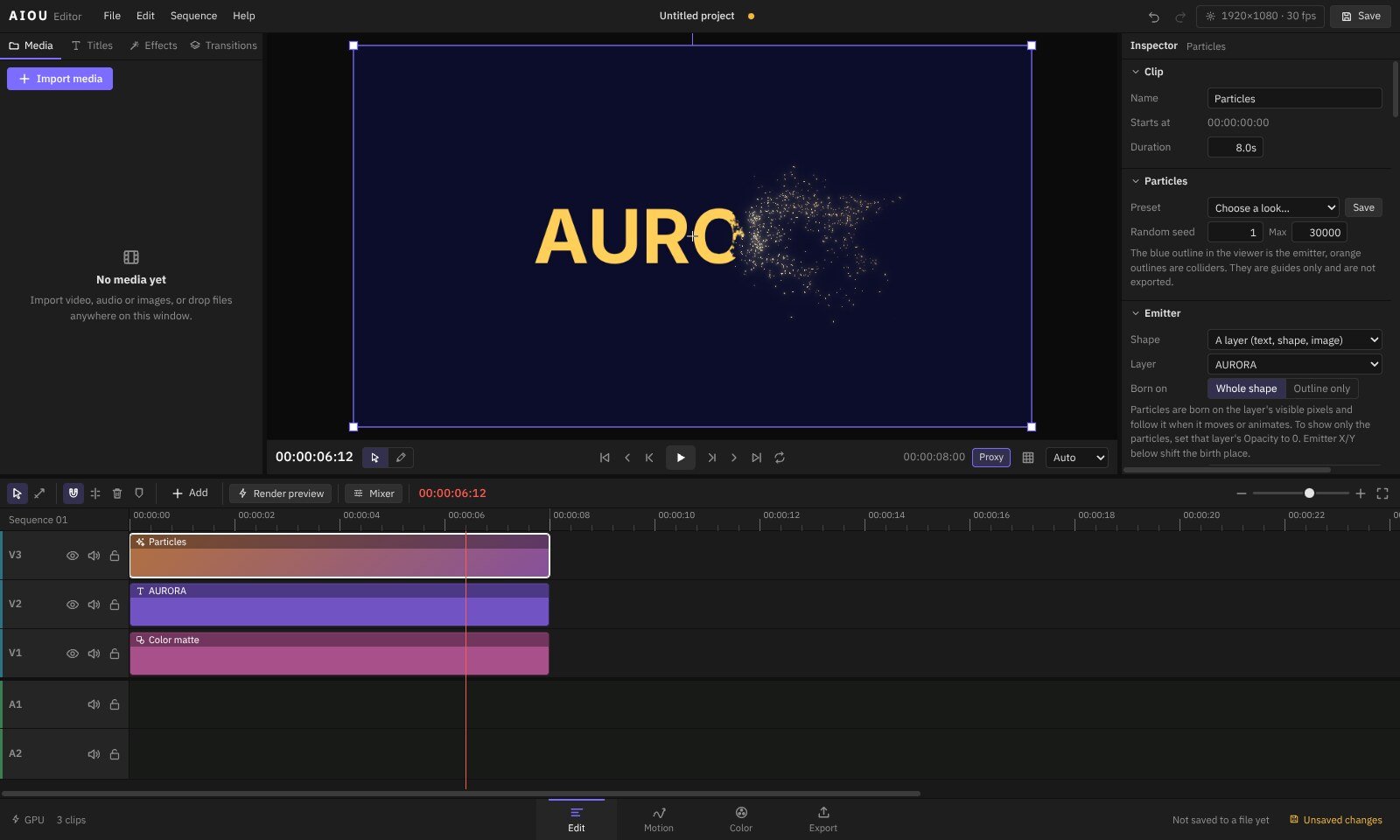
Four pages, one project
The editor is arranged the way a job runs. Switch page at the bottom of the window and the same timeline follows you.
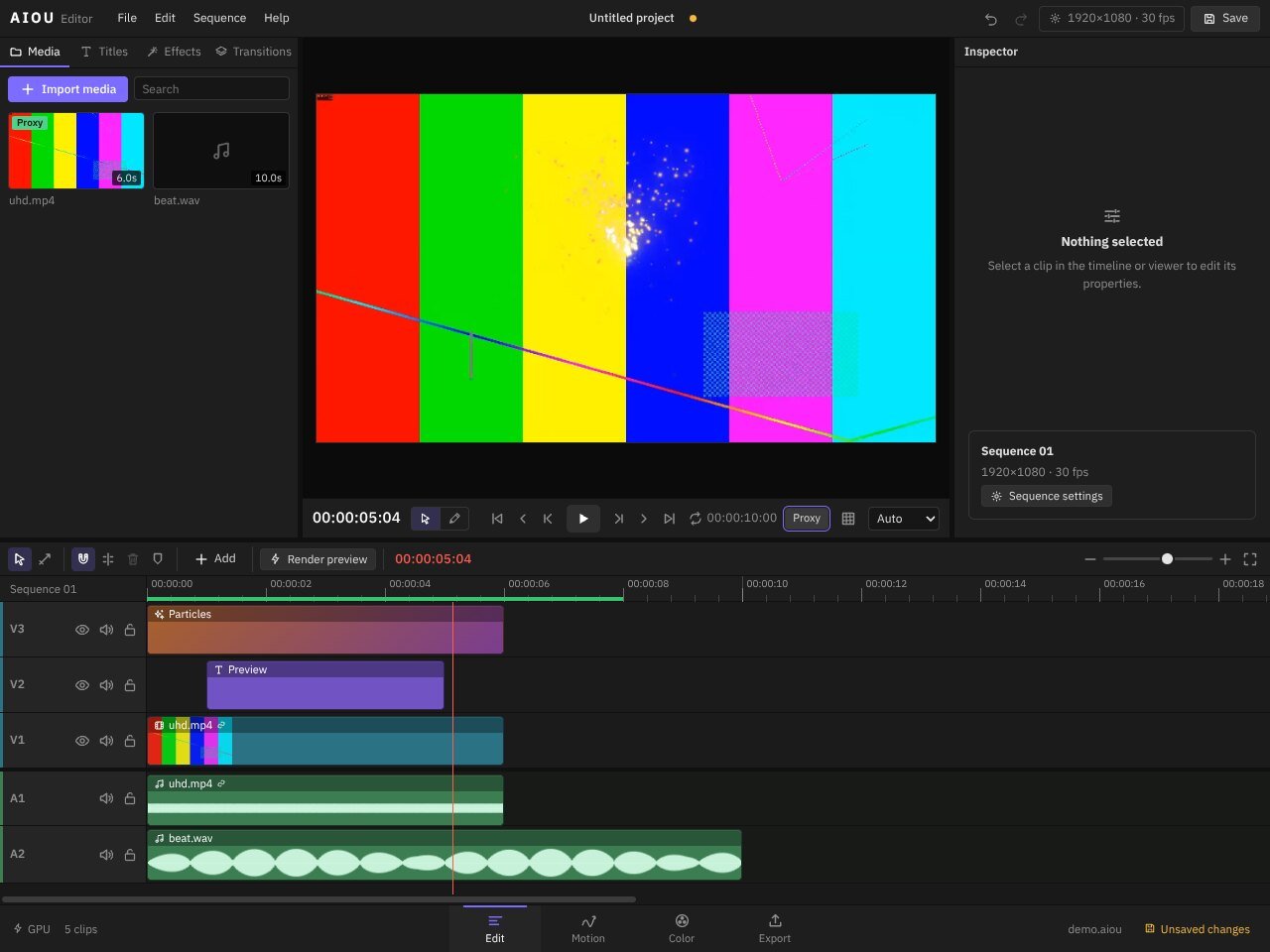
- Fast cuttingRipple trim to the playhead with Q and W, razor, slip, Alt-drag to duplicate, transitions that sit on the join between clips.
- Smooth 4K playbackProxies and rendered previews are stored next to your project. A green bar shows what is ready to play in real time.
- Audio in the timelineWaveforms, fade handles, crossfades, EQ and compression per clip, and a mixer with level meters.
- Stay organisedBins for media, compositions inside compositions, markers and automatic recovery of unsaved work.
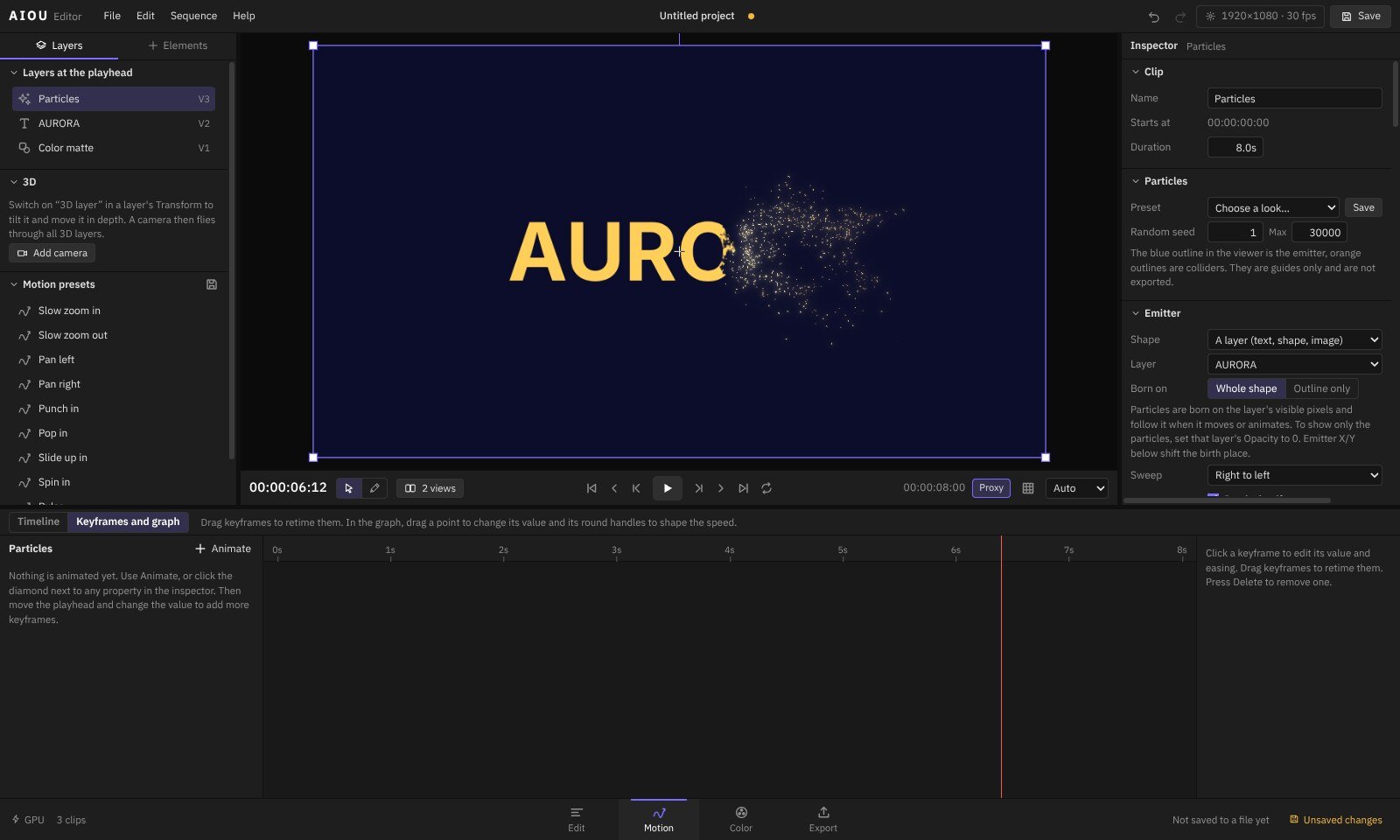
- Keyframe anythingPosition, effects, masks and text, with editable speed curves, parenting, null layers and adjustment layers.
- Particles with physicsEmit from any text, shape or image. Gravity, turbulence, colliders, force fields, fluid motion, trails and glow.
- Motion trackerOne-point, two-point and corner-pin tracking with the path drawn in the viewer. Pin layers to it, stabilise a shot or make masks follow.
- 3D camera and pathsMove a camera through layers with depth of field. Draw pen paths, trim them on and send any layer along them.
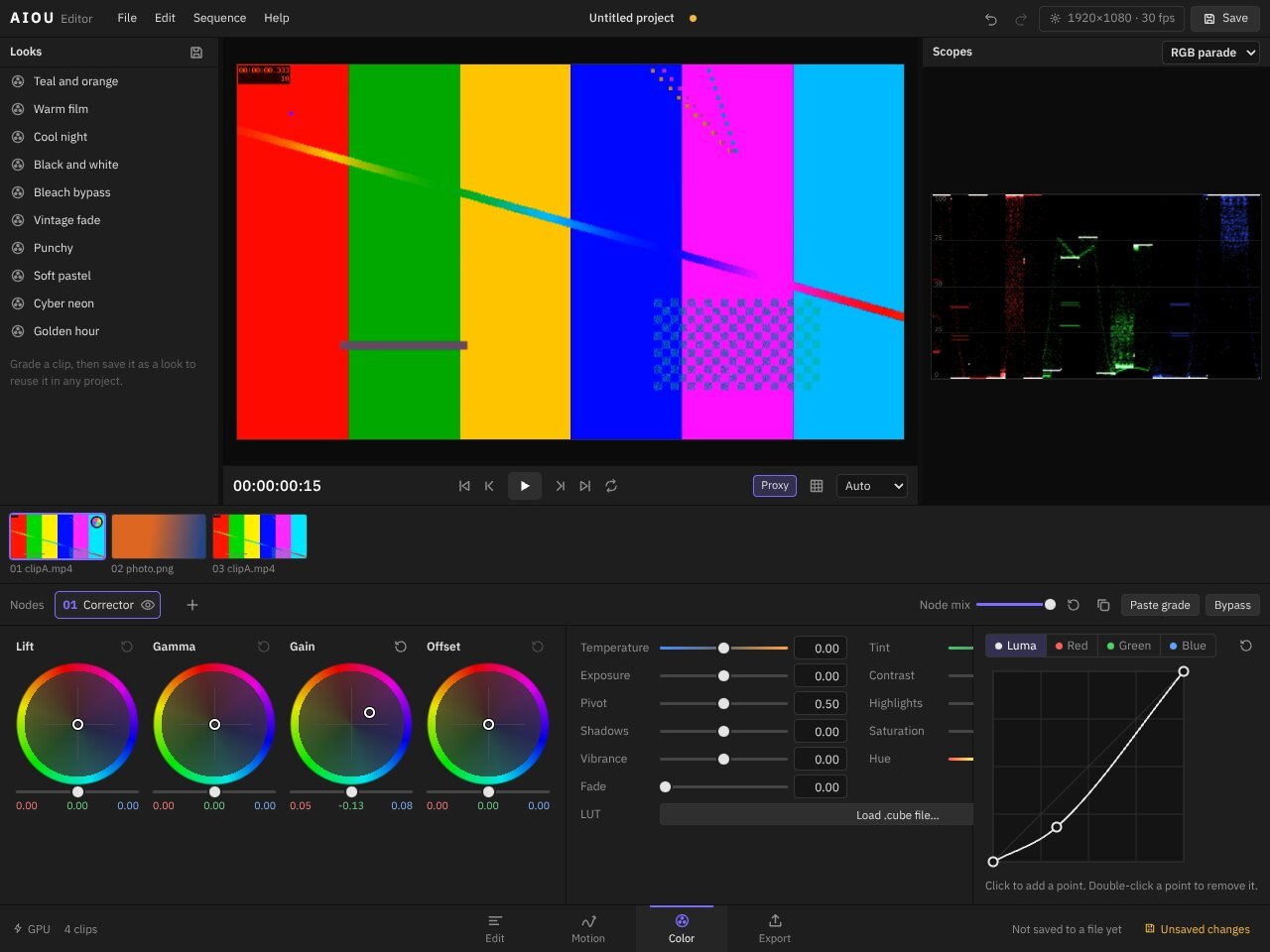
- Wheels and curvesLift, gamma, gain and offset wheels plus curves, arranged as nodes you can switch on and off.
- ScopesWaveform, RGB parade, vectorscope and histogram, updated as you grade.
- LUTs and looksLoad .cube LUTs and save a grade as a look to reuse on other clips.
- Grade a whole sectionPut a grade on an adjustment layer and everything beneath it follows.
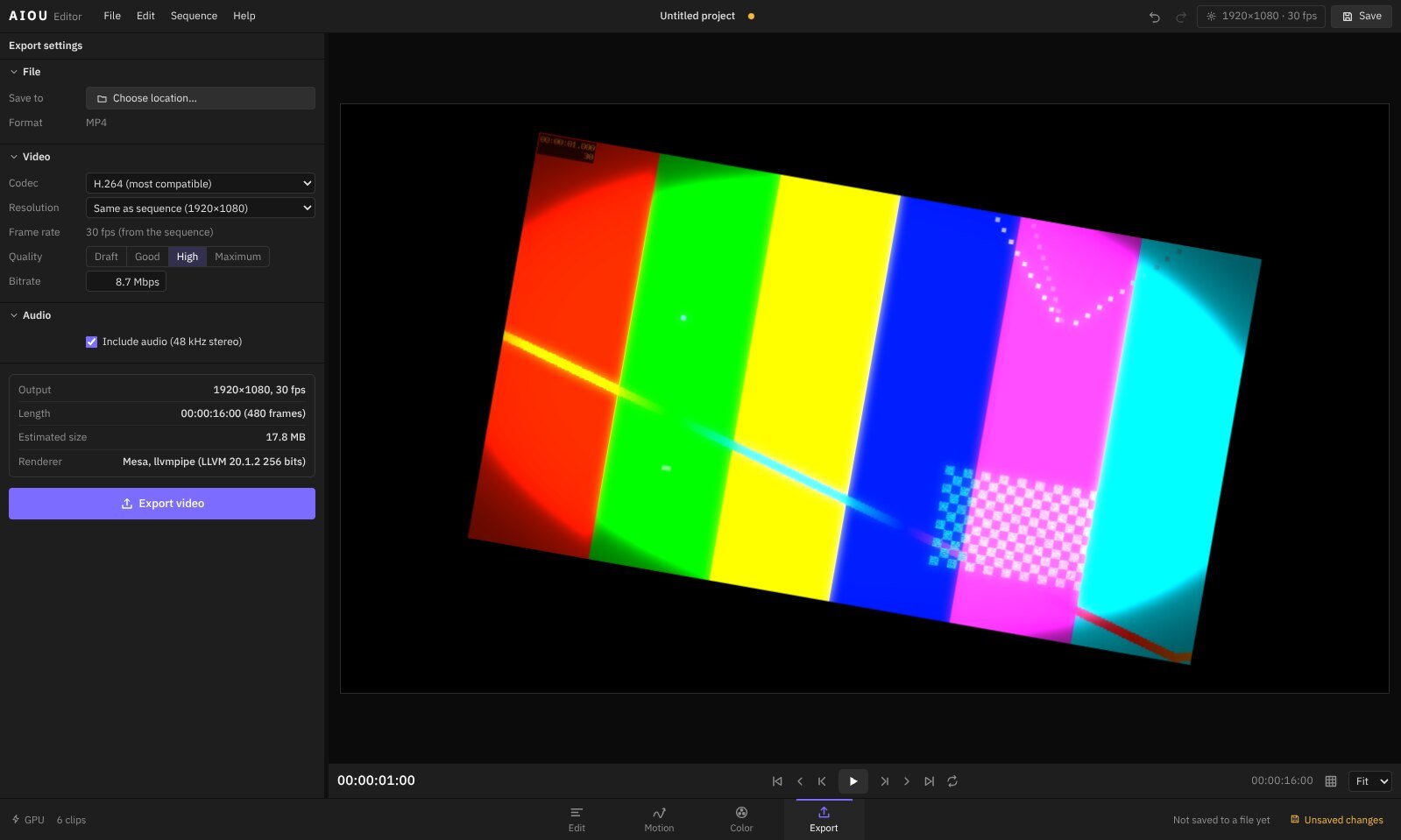
- MP4 with your graphics cardH.264 by default; HEVC, AV1 and VP9 when your computer supports them. NVIDIA, AMD and Intel encoders are used when available.
- Always full qualityExport reads the original files at full resolution, whatever preview resolution you were working at.
- Simple choicesPick a size and a quality, or set the bitrate yourself. The page shows the expected file size before you start.
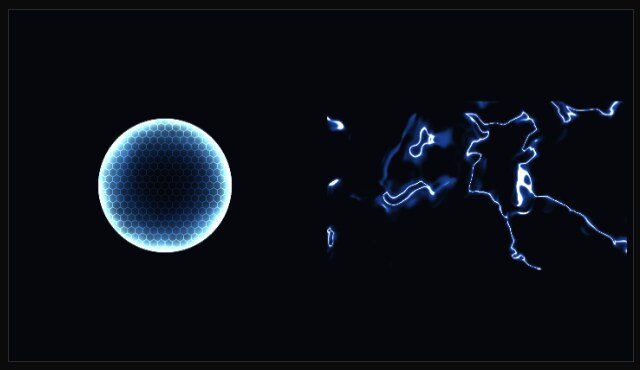
Made inside the editor
These frames are straight from projects built with the tools above. No plug-ins.


Simple pricing
Every plan includes every feature. Choose how you want to pay.
Free trial
Every feature, exports without a watermark. No card needed.
Start free trialMonthly
Every feature, billed month by month.
Yearly
Every feature for a year. Two months free compared with monthly.
Lifetime
Pay once. Keep this version and every 2.x update.
Questions
What happens when the trial ends?
The editor still opens and your projects are safe. You can keep editing and saving. Exports carry a watermark until you buy a plan.
Do I need to be online?
Only to sign in and to confirm your licence now and then. Between check-ins the editor works offline for up to 7 days. Your videos never leave your computer.
How many computers can I use?
2 at a time on one account. Sign one out on your account page to move to another.
Which computers does it run on?
Windows 10 and 11, 64-bit, with 8 GB of memory or more. A recent NVIDIA, AMD or Intel graphics card makes playback and export faster.
Can I use it for client work?
Yes. Trial and paid licences both allow commercial work, and everything you make is yours.
Can I get a refund?
Yes, within 7 days of paying if the editor does not work for you. See the refund policy.